
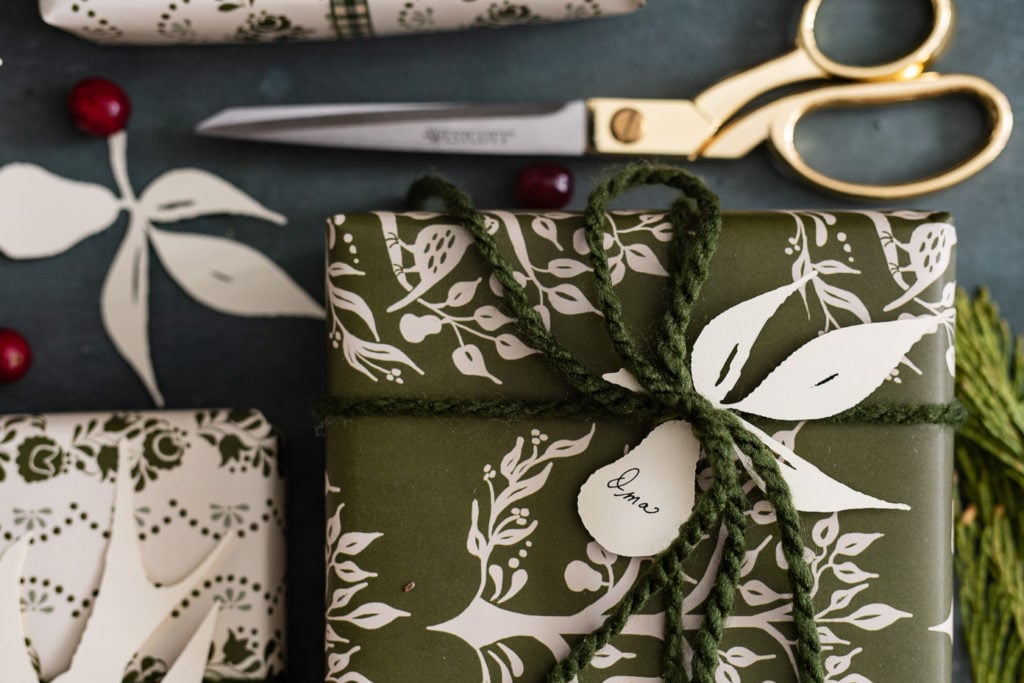
Disclosure: This post on custom-cut gift tags is sponsored by Walmart. As always, all words and opinions are honest and my own.

I’m squeezing in as much Christmas crafting this year as I can! Craftiness might even happen right up through Christmas Eve. We’ll see how long this momentum carries me! Today, I’m sharing a new crafting toy with you along with some custom-cut gift tags I made to match my wrapping paper designs…

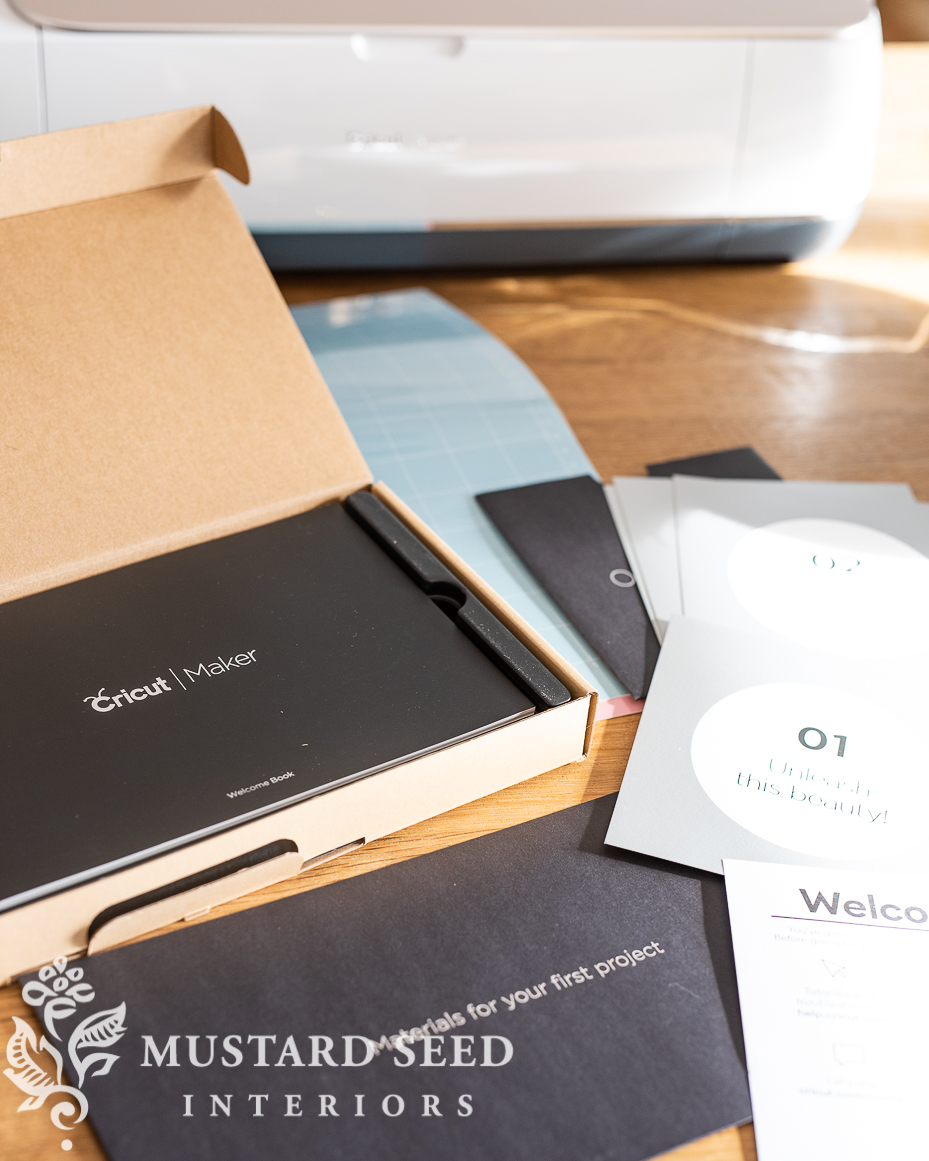
I got a Cricut from Walmart! I also bought that beautiful pair of scissors when I was shopping for the grazing platter I shared last week. (As a side note, my favorite scissors for fabric & paper are forged scissors, but at just under $14, they are half the price and still make a nice crisp cut through fabric and paper. They’d be a great stocking stuffer for crafters/sewers.) As I’ve shared before, I’m always impressed with the crafting supplies I find to customize my home in my local Walmart and on Walmart.com.
When I saw the Cricut as one of the Black Friday Specials, I was excited to give it a try. I’m actually not new to Cricut cutters. I owned one back when they first launched! Remember when you had to buy the graphics and fonts in little sets? Like, over ten years ago! I used it for vinyl lettering for my decorative painting and mural business, but once I shifted into antiques, furniture, and sharing on this blog, I wasn’t using it very often, so I passed it along to someone else.
This new Cricut is a whole new world. Not only can I access thousands of fonts and graphics online, but I can easily create my own. I can also cut a variety of materials including papers, vinyl, fabrics, felt, chipboard, and more. It’s pretty amazing and I’m already buzzing with ideas.

Since I hadn’t used one in over a decade, I was honestly a little intimidated at the thought of setting it up, but did a wonderful job making set-up quick, easy, and stress-free.
Of course, I’m not going to just print up a stock graphic! I had an idea to make custom-cut gift tags and cards to match my paper designs. I did a little bit of research into what kind of file you needed for a and I asked my assistant, Heidi, to convert the partridge design into an SVG file. She did that for me and sent it along. First thing after my test cut of a polar bear, I decided to dive right into my custom design.
I sent this picture to Heidi and we were howling. I mean, we both had tears in our eyes we were laughing so hard. She texted back to me, “We nailed it!”
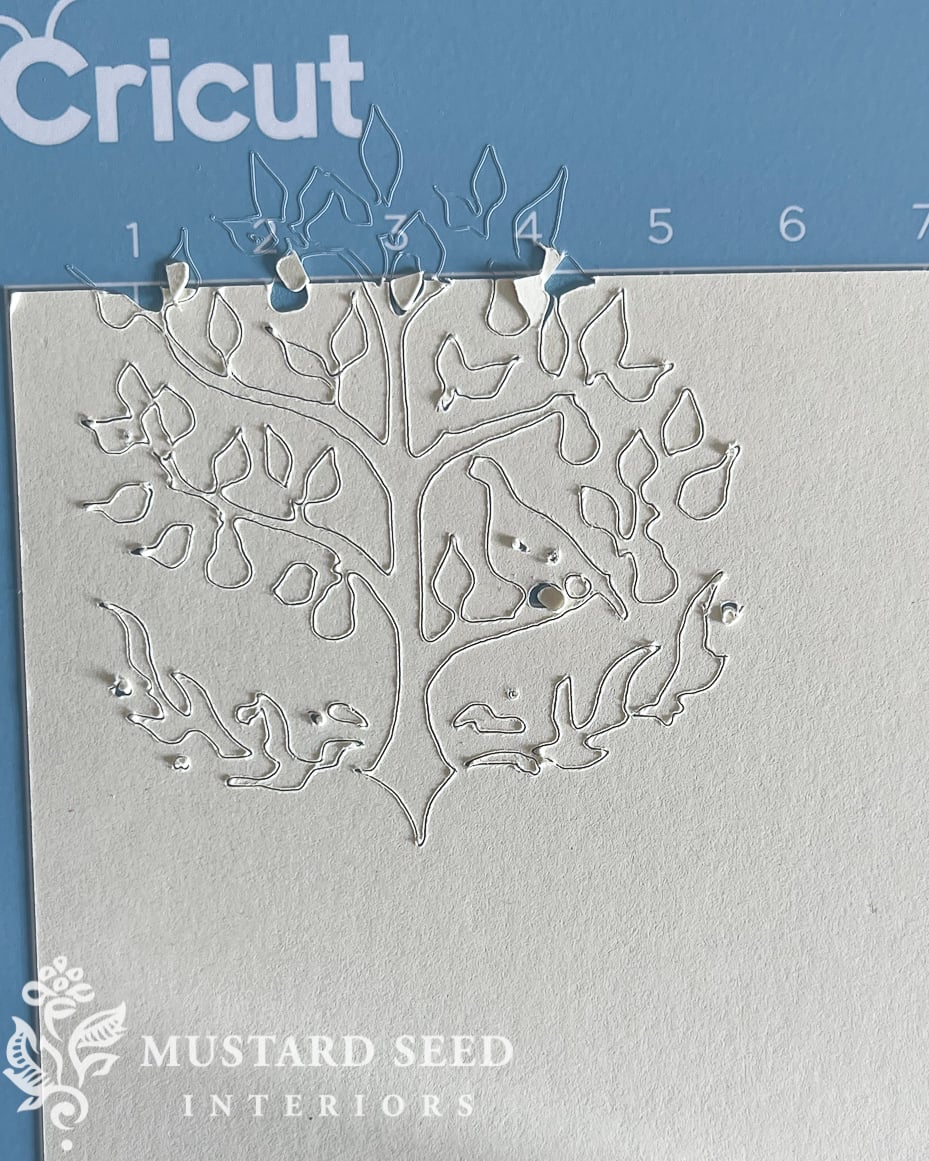
I still laugh out loud when I see that picture. Yep. We nailed it.
So, clearly, the design wasn’t well suited for cutting and needed to be tweaked. I don’t know why it cut off the paper, but I’m sure it was “operator error.” I simplified the design and tried it again. Throughout this process, I also learned that I don’t need an SVG file. I could simply upload a drawing in a JPG format and it would automatically remove the background. I had made things unnecessarily complicated.
The second cut was much more successful although it still needs some tweaking to make sure everything connects. I decided I should take a step back and get even simpler. I was probably starting at a level eight project on day one, which isn’t the best tactic if you want to have a positive experience with something new.

So, I drew up a swallow, which seems to be my theme this year, and that worked out much better! The shape and size are well-suited to be a custom-cut gift tag.

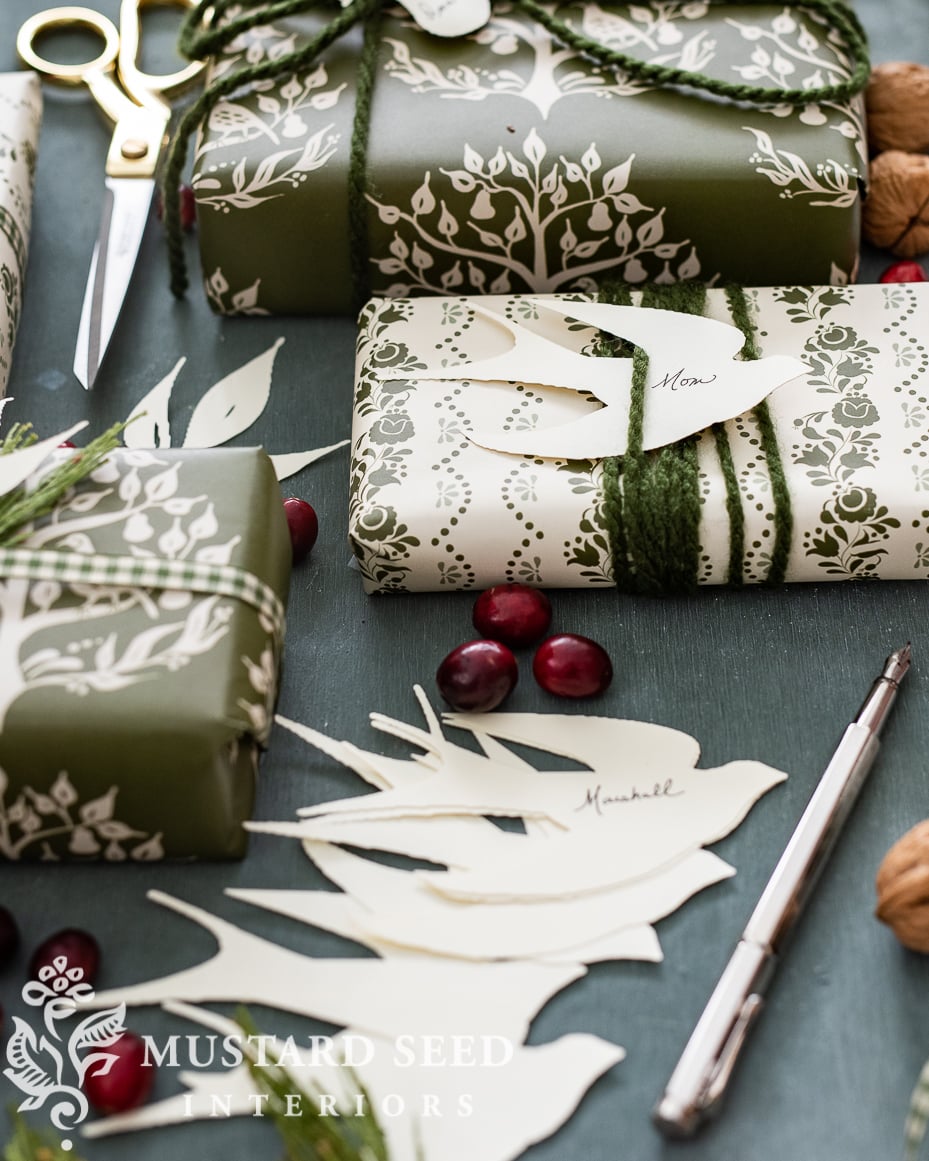
So, I cut a bunch more out of cream card stock with the press of just a couple of buttons. I also drew and cut some “pear tree branches” to go with my partridge paper. Everything turned out so good! The Cricut is so precise that it even cut any little wobble or pixel visible in the designs I drew. I am going to look into a way to smooth those out, but I sort of like that they aren’t perfect. They are machine-made but still have that imperfect human touch.
Of course, you can always use graphics that are already polished and professional, but you know me…I want to do something myself!
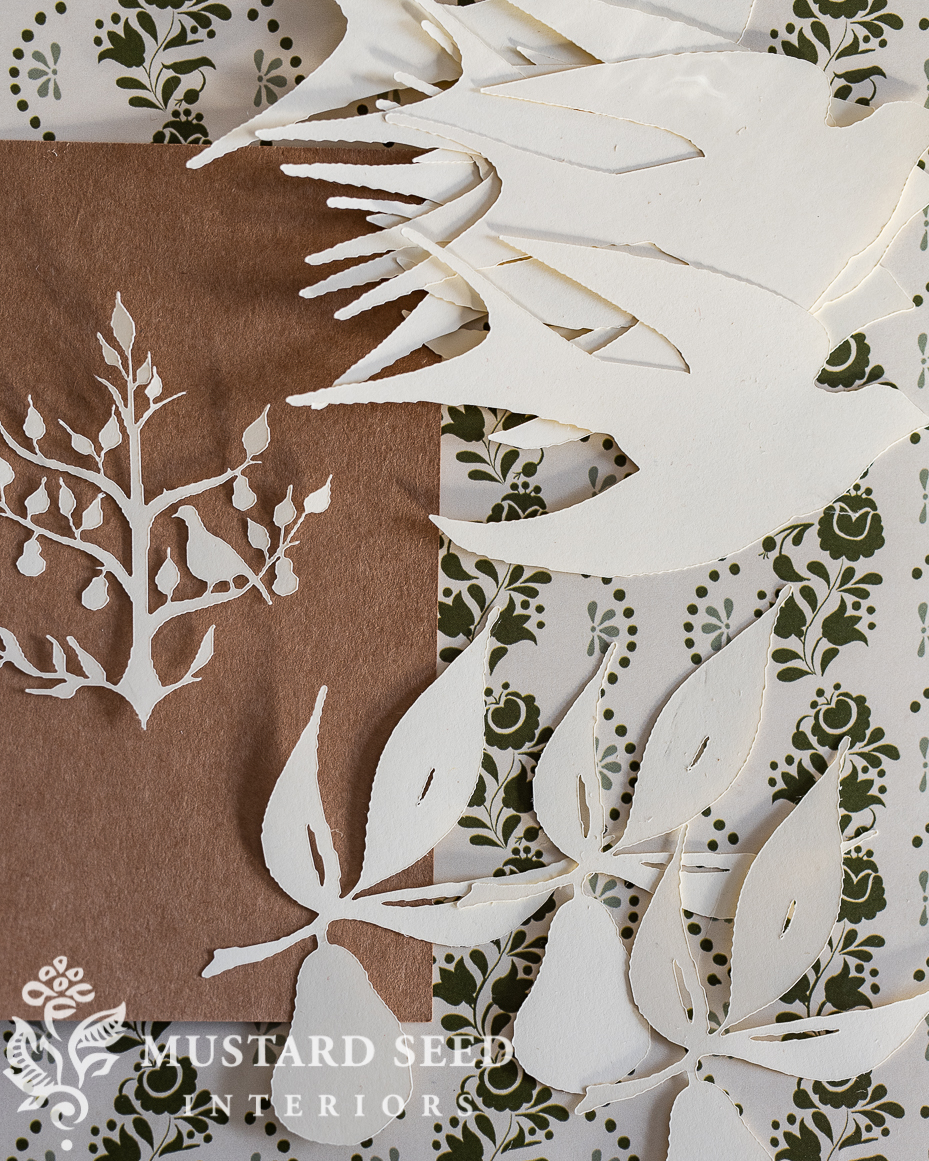
And I love how these custom-cut tags turned out! They are so simple and sweet but are much more interesting than just a normal tag.
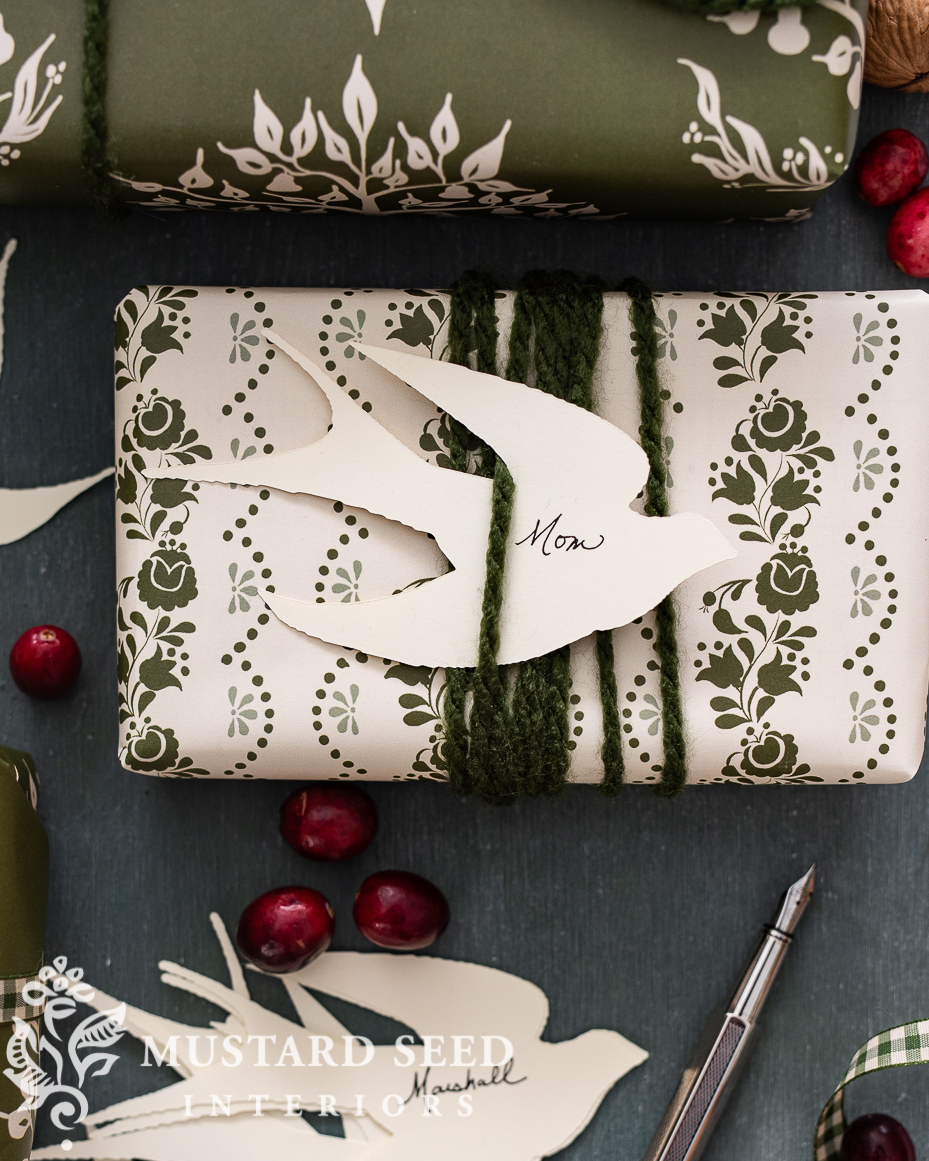
The design of the shapes also makes them well-suited to tucking into ribbon or yarn, but I did add some tape to the back of some of them to hold them in place.

I love how they make the presents look even more customized.


So, now I am excited to do more. I mean, the Cricut cuts fabric and felt…come on. I haven’t even scratched the surface with these custom-cut gift tags.
I think I’ll have to squeeze in another unplanned Christmas craft project…
If you own a Cricut, what is your favorite thing to use it for? Any tips to share?














27 Responses
Nothing but ad links. Fix the post.
Same here – looking forward to resting the post!
The post has been fixed now! There was some coding issue. Sorry about that!
A little politeness goes a long way!
I wish I had a Heidi in my life! 😉
Yep. The disclosure flashed by for a second but then, just ads.
Hmmm…I’m seeing the entire post, so I’m not sure what’s going on. I’ll look into it! Sorry about that!
I almost bought a Cricut Maker at Costco but on doing some research, I found they have a Cricut Maker 3. So I didn’t buy it. I really dislike word art (like “Gather” sign in the dining room and all that). So, I am not sure what all I would do with one?
BTW, the post looks great to me.
Yeah, I’m not really a word are person, either. I like antique signs, but not the modern word signs. I intend to use it a lot more for cutting fabrics and papers for other kinds of projects.
Love my CriCut however it thoroughly tests my low level computer skills – I have done the prettiest gift tags for Christmas, these can be made all year long! Wanting to cut the swallow bird out of felt on my CriCut. Paper has been my fav but I also love the infusible inks!!!! You will love all the things you can do, all you need is time!!!!
I am the same way with my Cricut! I’ve nowhere near used it to its potential.
I love the tags you made!
Where did you find that beautiful paper? I am a “paper addict”.
Thanks,
Donna
I designed it! I actually linked to it a post a few days ago.
The post was fine, I have one of those machines. It gathers dust well. I like the tags, ordered the paper in green cannot wait till it gets here to wrap my gifts. I love your enthusiasm. Happy Holidays
My Cricut has been untouched for a year…..like you, I want to be ‘all in’ and not start on the ground floor. I started in with grand ideas for my own designs but cannot figure out the basics….back to the drawing board! mmmm, I will need to look at creating from a jpeg instead of trying to make my own svg file, thanks for the tip! Lovin’ your Christmas crafty side…Merry Christmas!
Oh yeah, you can use a JPG that is a simple shape and it will remove the background. That makes it super easy.
I use a manuel Sizzix machine and have a good selection of shapes I use all year long. For Christmas I have lots of Merry Christmas rubber stamps in many fonts. Plus I use my calligraphy skills on each tags they all turn out so nice and personalized. I will pass on the Cricut because I want to keep it simple and use the big investment I have in dies and inks. Great ideas Marian you are certainly on a roll this year and I think I can speak for most saying we appreciate all your efforts and time.
It sounds like you make some beautiful things! It really isn’t about the tools but the creative heart behind them. ?
Marian is back making crafts. I love the crafts you have come up with lately. Not so much into the painting courses that are offered. You are great with painting, me not so much. But I do enjoy your painting results!! Maybe one day I will tackle that too, who knows. You have a lot of talents which shows in what you share. Great job in all you do. Can’t please everyone but you sure do try. Thank you for that.
Now about scissors I have quite a collection that are used by me alone. My favorite for cutting g ribbon are Martha Stewart scissors. And my favorite for cutting fabric are Fiscars. And I use older scissors that I’ve had for years to cut paper. Once you cut paper with scissors they never cut fabric or ribbon very well. Just some scissor tips.
Hey Marian, all your Christmas preparations are looking so wonderful! Your wrapping papers are amazing and the way you’ve attached your beautiful tags is so pretty too! I love your ribbons and yarns, it all looks just so festive! All these little touches truly show your caring nature, ☺️☺️ I’m grateful you partnered with Walmart, they sure have some wonderful things we wouldn’t even realize at their even better than usual great prices! I immediately got that Thyme and Table set when you told us about it-it is wonderful! And I’ve long been admiring your gold scissors so I’m getting these!
You are so talented, I wish I could draw that swallow, it’s so pretty.
Huh, still having issues with the post. It begins readable, then disappears and I’m left just with the scrollbar of clickable products you used on the project.
Yes, I had removed the problematic code, but we are trying to do some trouble-shooting, so I needed to reinstall it for the tech folks to see what’s happening. Hopefully, it’ll be fixed soon!
I just see ads and comments, no post?
Recently, something changed with your site. I typically use reader view, and it became just words, no pictures over the last week or so. I would hide the reader view to see the website view, and then I got the photos, but mostly ads, ads, ads. Now, the website view is just ads, nothing else at all.
There is a glitch on this particular post that we’re trying to fix. Sorry about that!
Hei, minulla ei ole vielä cricutia mutta haaveilen siitä. Minulla on jo monta ideaa mielessä. Askartelen paljon ja teen vanhasta uutta. Tämä kone olisi aivan mahtava mutta toistaiseksi minulla ei ole mahdollisuutta ostaa sitä, joten teen kaiken leikkaamalla itse. Ihania ideoita sinulla ja tykkään sinun tyylistäsi. Odotan innolla kirjaasi Suomen kielellä.