
A couple of years ago, I signed up for a trial to use an AI photo generator. I was curious to see what kind of reference photos I could create with it. I thought it might be a good tool for generating reference photos of subjects I don’t regularly have access to, in order to take my own reference photos. I decided to start with traditional fox-hunt scenes. Oh my. The photos created were comically ridiculous and completely wrong. Wrong in strange ways that would never work as a photo reference. I canceled the trial membership and set that idea aside.
A few months ago, though, I learned that I had a subscription to Google’s AI program, Gemini, through my Google Drive & Storage membership. I know AI has come a long way in a couple of years, and it might be worth revisiting, especially since it’s free. I wouldn’t use it to generate photos from scratch, but to improve photos that were deteriorated or low quality, or to make adjustments beyond my photo editing capabilities. It’s pretty common that commission clients ask me to remove a dog’s harness with my paintbrush. I’m also often asked to combine two pet photos into a dual portrait. I know it can be almost impossible to get two dogs to pose perfectly together.
I started with simple tasks like removing a harness or bringing clarity to a pre-digital-age photo. Then I used it to adjust the lighting, transforming yellowed indoor light into clean, natural light. After a few successful outcomes, I started utilizing it more.
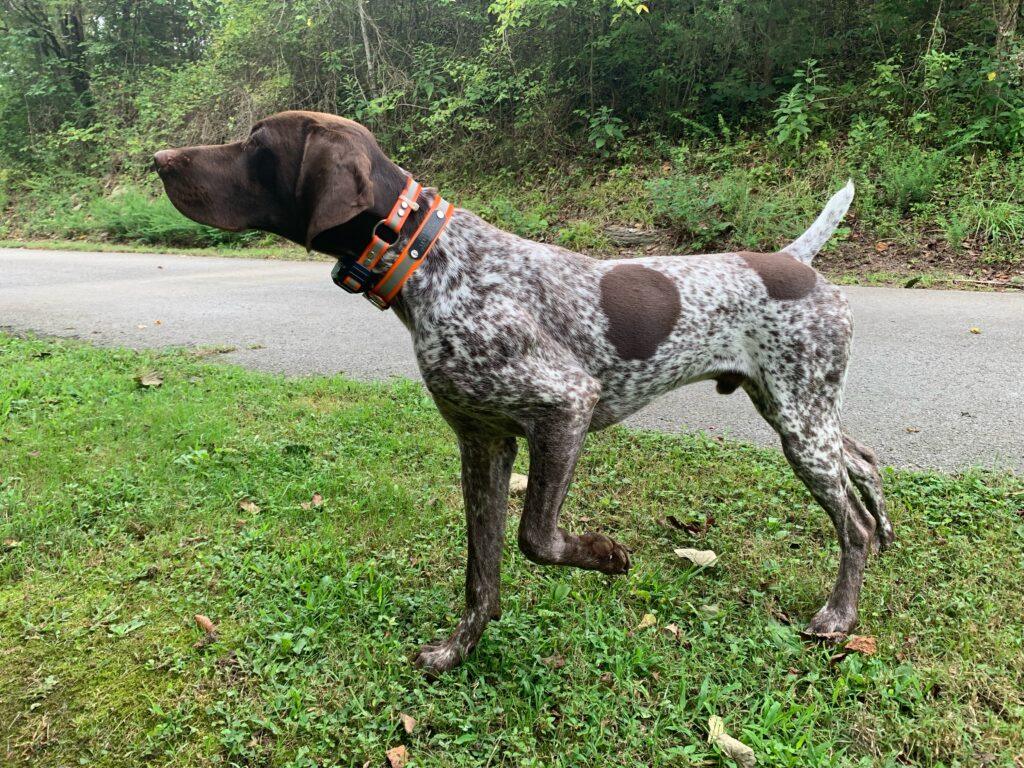
This client asked if I could put her other dog into the photo below…
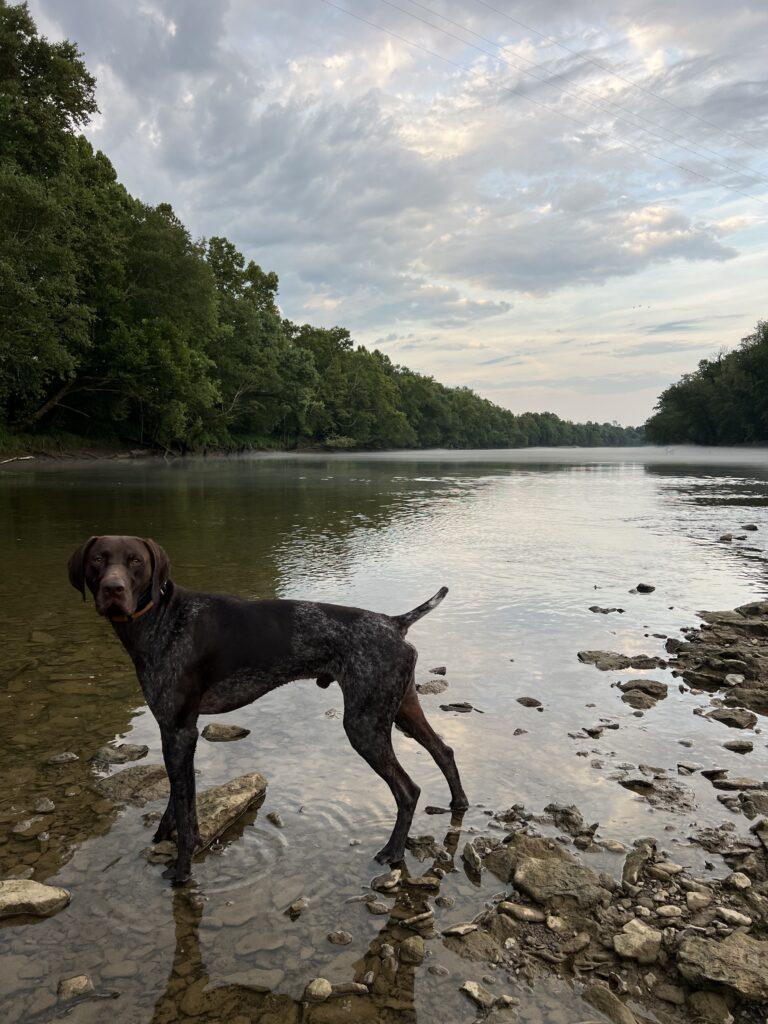
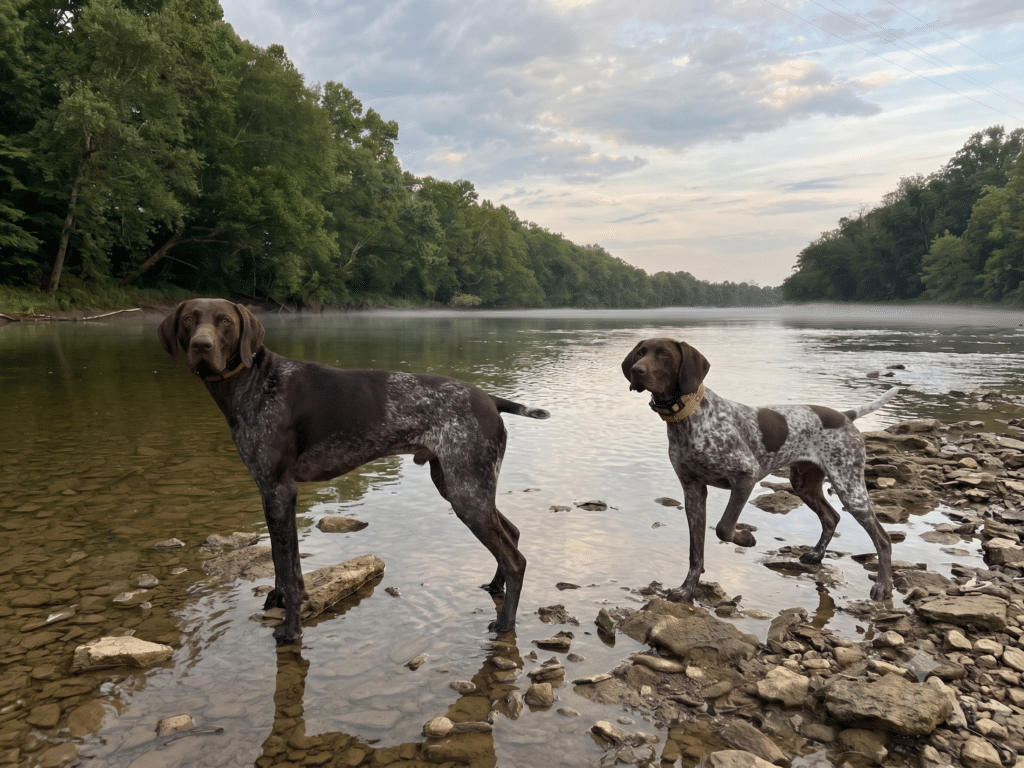
So, I fed both photos into Gemini, along with details of where I envisioned the second dog…
…and I got a photo that was pretty convincing. It was certainly good enough to use as a reference, so I sent it along to the client to make sure the size of the dogs was true to life, and she was happy with the composition.
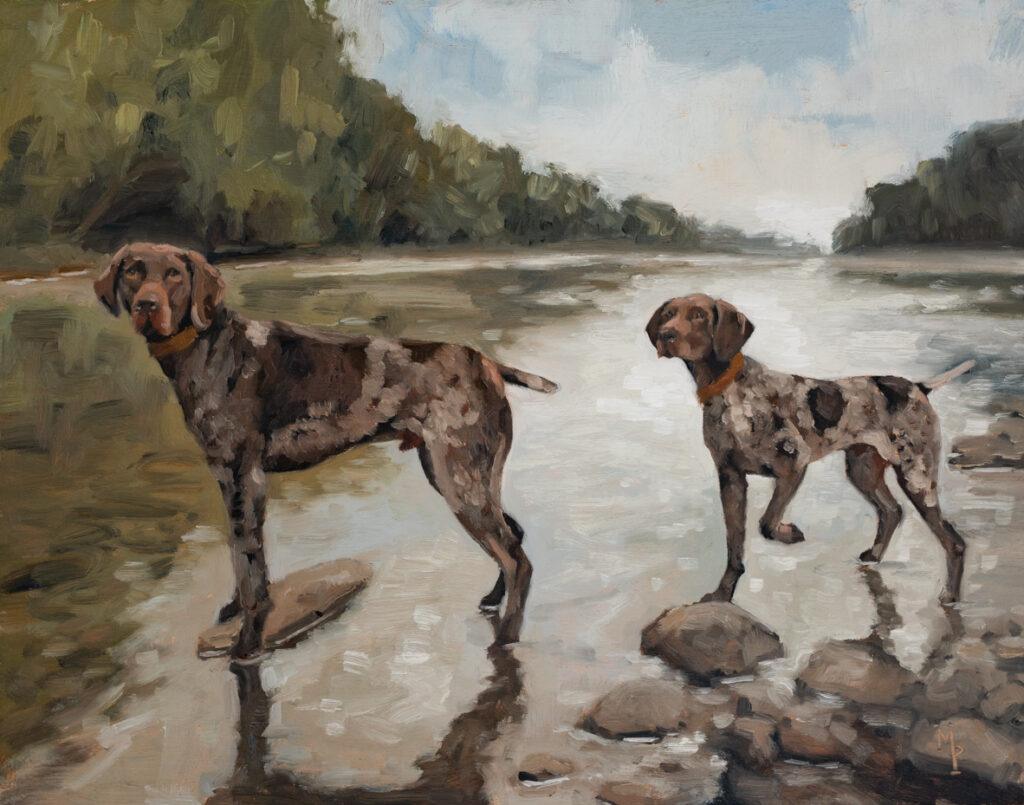
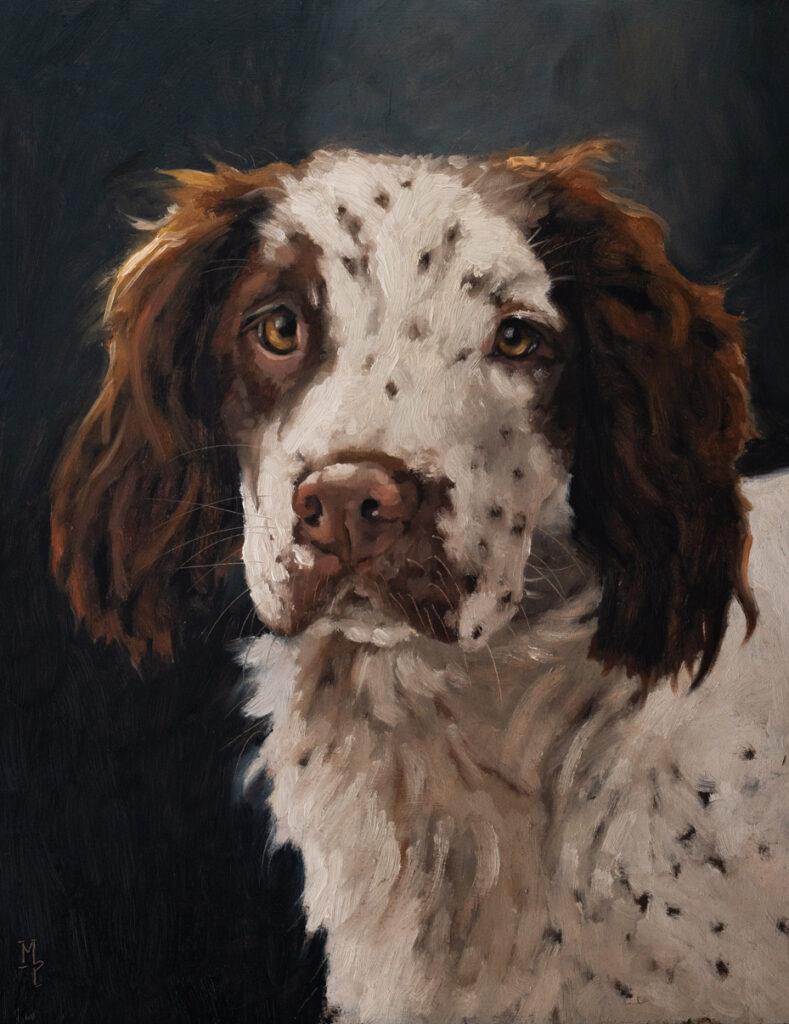
Here is the final painting…
In the past, I would’ve printed up photos, adjusted their size until they felt right, cut out the second dog, and taped everything in place. It worked, but it was a cumbersome process.
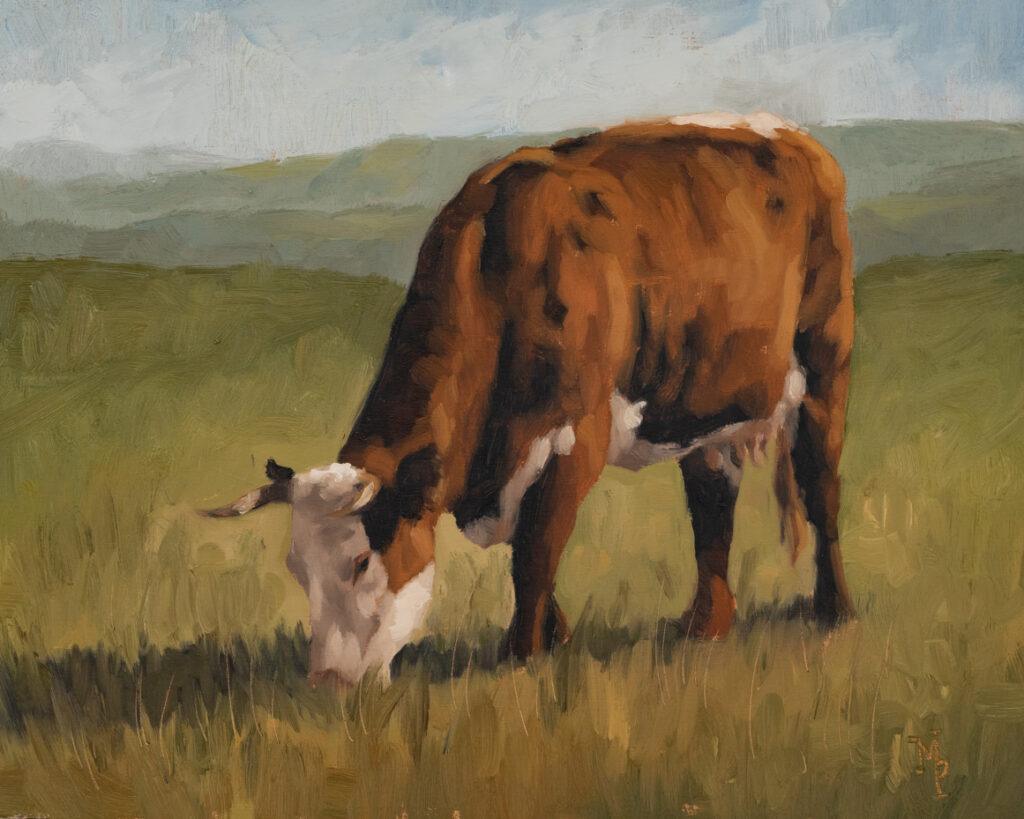
I’ve also used it for some of the photos I took in the Cotswolds. Many of the animal photos I took were taken on a cloudy day, so the light is a little flat. I used photo editing to make the lighting a bit more dramatic, but I can’t get the drama that comes from the highlights and shadows naturally cast on a sunny day.
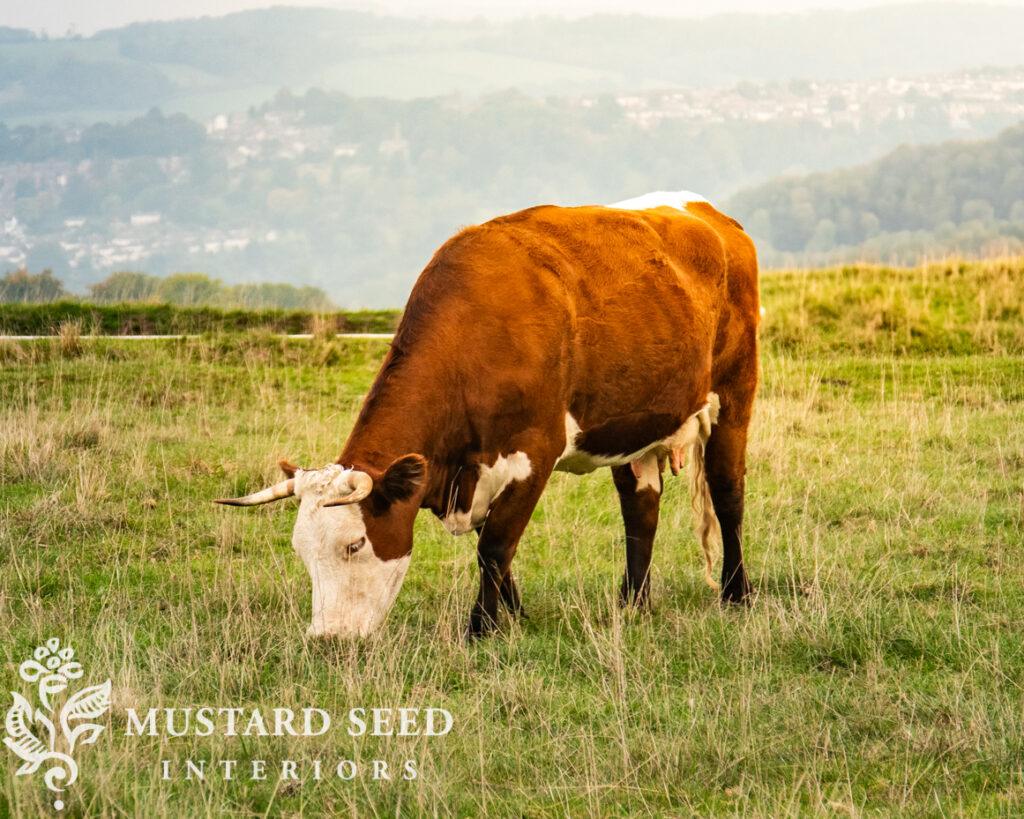
So, I fed the photo into AI and asked it to create a stronger natural light source…
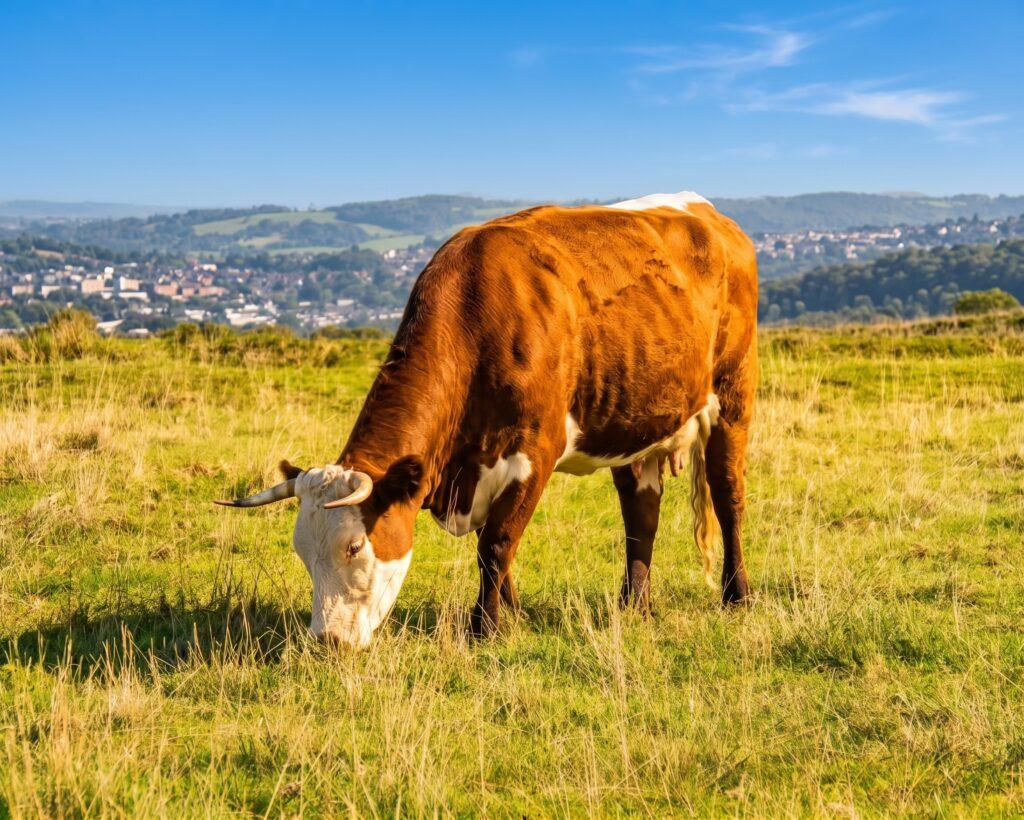
Now I had darker shadows and more interesting highlights to get my artistic teeth into.
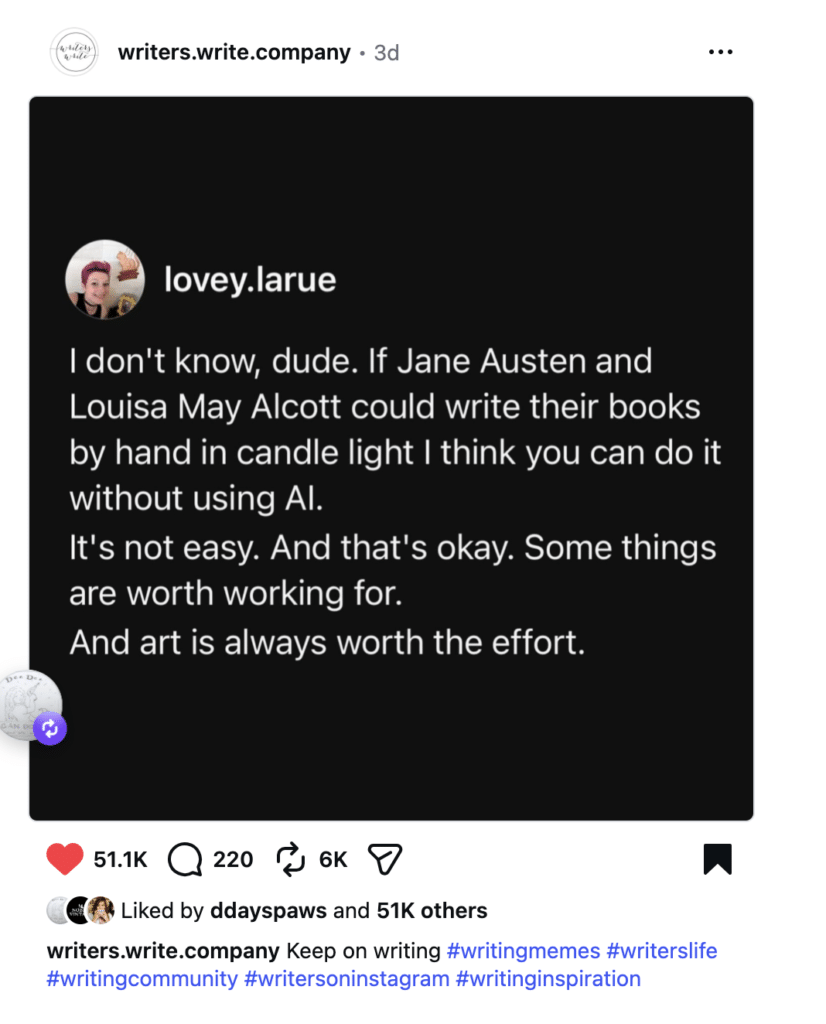
Even though I have found AI much more useful and helpful than I did a couple of years ago, I still have mixed feelings about it. It makes me sad to see art prints being sold without a human artist behind them, especially when that fact is obscured from the buyer. While some AI-generated interior photos are gorgeous, I have mixed feelings about liking a room that isn’t real. Even places brought to life from imagination in books, film, theme parks, etc., still have human ingenuity, engineering, and artistry behind them.
I have a feeling my opinion of AI and the way it’s used will waffle as it becomes more and more a part of our daily lives, but this is where I’ve landed on the issue. I want to use it as a tool that helps creative work. I don’t want to use it in any way that replaces creative work, mine or anyone else’s. To me, that’s when it crosses a line, and I’m no longer interested in interacting with it.







11 Responses
I appreciate how clearly you drew the line: AI as a tool that helps the painting, not one that replaces it. Combining two dogs into one reference photo for a dual portrait, then checking the sizes with the client before painting, is such a sensible use, and all the artistry is still yours. The Cotswolds example of adding stronger shadows to a flat, cloudy-day photo was interesting too. Did Gemini keep the dogs’ markings accurate, or did you correct those by eye in the painting?
I always have to check that Gemini doesn’t make changes I didn’t ask it to! I double-check the details and, if there are big issues, I’ll try it again and provide more specific instructions like “Make the natural light source in this photo stronger, so it looks like the photo was taken on a sunny day. Do not change the markings, posture, or any details about the cow.” If the changes are small, I use an original photo and correct the issues when I’m painting.
Using a composite reference to verify the dogs’ relative sizing with the client before painting struck me as very sensible. It seems like a practical shortcut that spares you the old cutting-and-taping routine, while leaving the actual artistic decisions entirely in your hands.
This is close to how I think about AI in a studio. I use it to explore a style, like van Gogh brushwork, while keeping the person’s face intact, and the prompts stay artist-directed rather than a one-click filter. The useful part is seeing a direction quickly, then deciding what is worth painting or refining by hand. It works as a sketchbook, not a replacement for the artist’s eye.
Yes, that’s a good way to put it. It can help you envision things better and play with ideas.
I really like the way you use it: removing the harnesses and combining two photos of the dogs into one reference, and then doing the actual painting yourself. That’s a very honest line between tool and replacement. I’m the developer of YayClip, an AI photo app, and I still think a hand-painted portrait from a reference like that is a different thing entirely. Thanks for writing about it so thoughtfully.
I appreciate your distinction between using AI to shape a reference and keeping the painting itself human-made. When you adjust a cloudy-day animal photo to create stronger natural light, how do you decide which highlights and shadows to trust while painting from that edited reference?
I use my own experience and trust my eye. If it looks off, I won’t use it. If it puts the light and shadows where I expect, I’ll use that. For exmaple, I didn’t like the way AI treated the village in the background of the cow photo, so I stuck to the original reference photo and what I remembered about the day. As with all art, it’s a judgment call, and I choose what’s useful and leave out what’s not.
The Cotswolds example is a nice use because the AI is changing the light rather than the subject: flat, cloudy-day photos get a stronger natural light source, which gives you real highlights and shadows to paint from. The line you draw between a tool that helps creative work and one that replaces it is a fair one, and using the result only as a reference keeps the painting decisions with you.
I like the way you treat AI as a sketching and experiment tool rather than a replacement for the hand. When the goal is a recognizable likeness, a simple, well-lit source photo still makes the biggest difference — that’s been true for pet portraits too.
As someone on th